Design
Puts your design system on the canvas
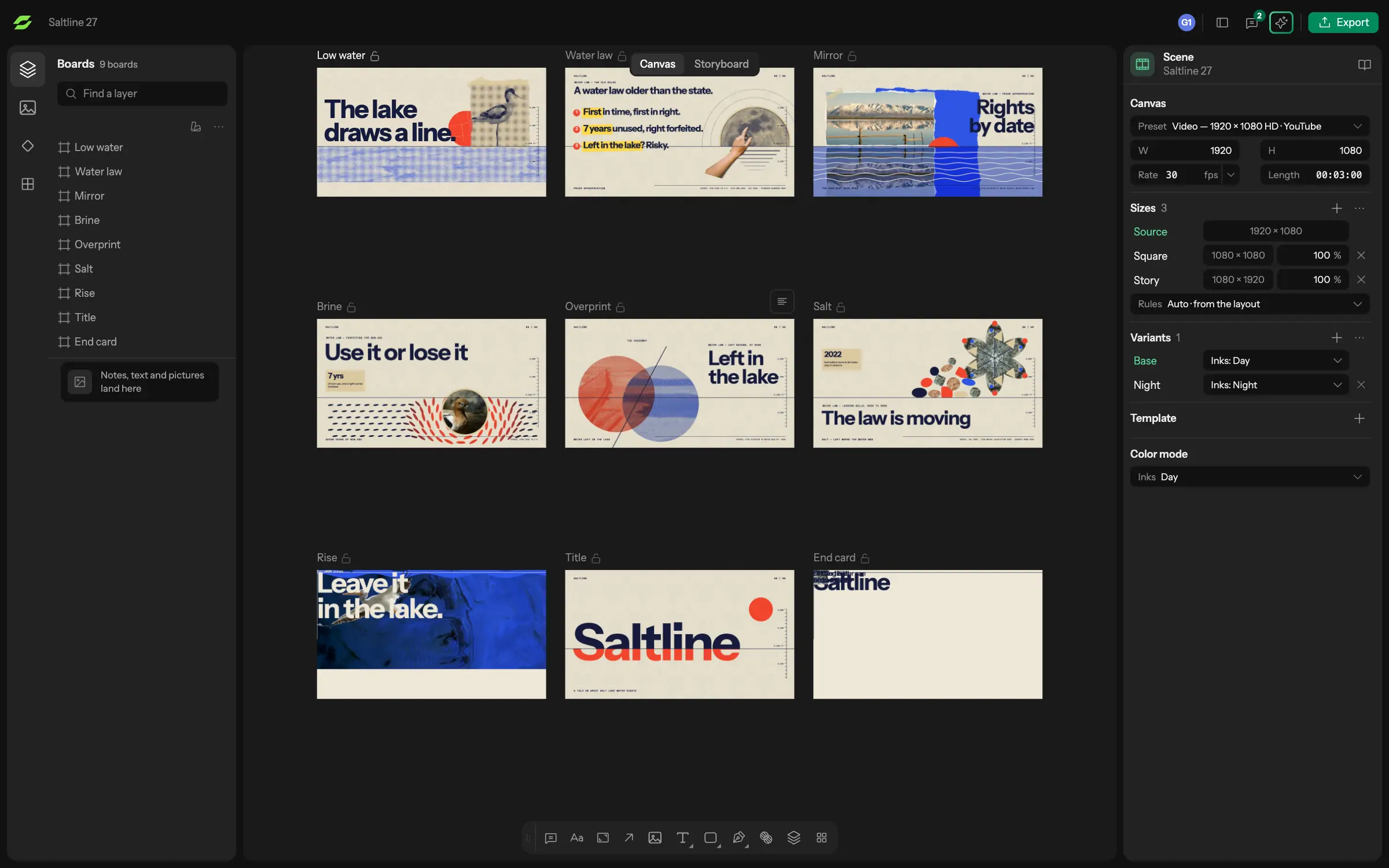
Drag a design token onto a shape, or change a component once, and every instance follows. Boards sit next to the timeline, so artwork arrives as editable layers.
Design featuresAvocet is a collaborative motion design tool. Your team designs, animates and reviews in one project at the same time, and every size and version comes out of it.
Design
Drag a design token onto a shape, or change a component once, and every instance follows. Boards sit next to the timeline, so artwork arrives as editable layers.
Design featuresAnimate
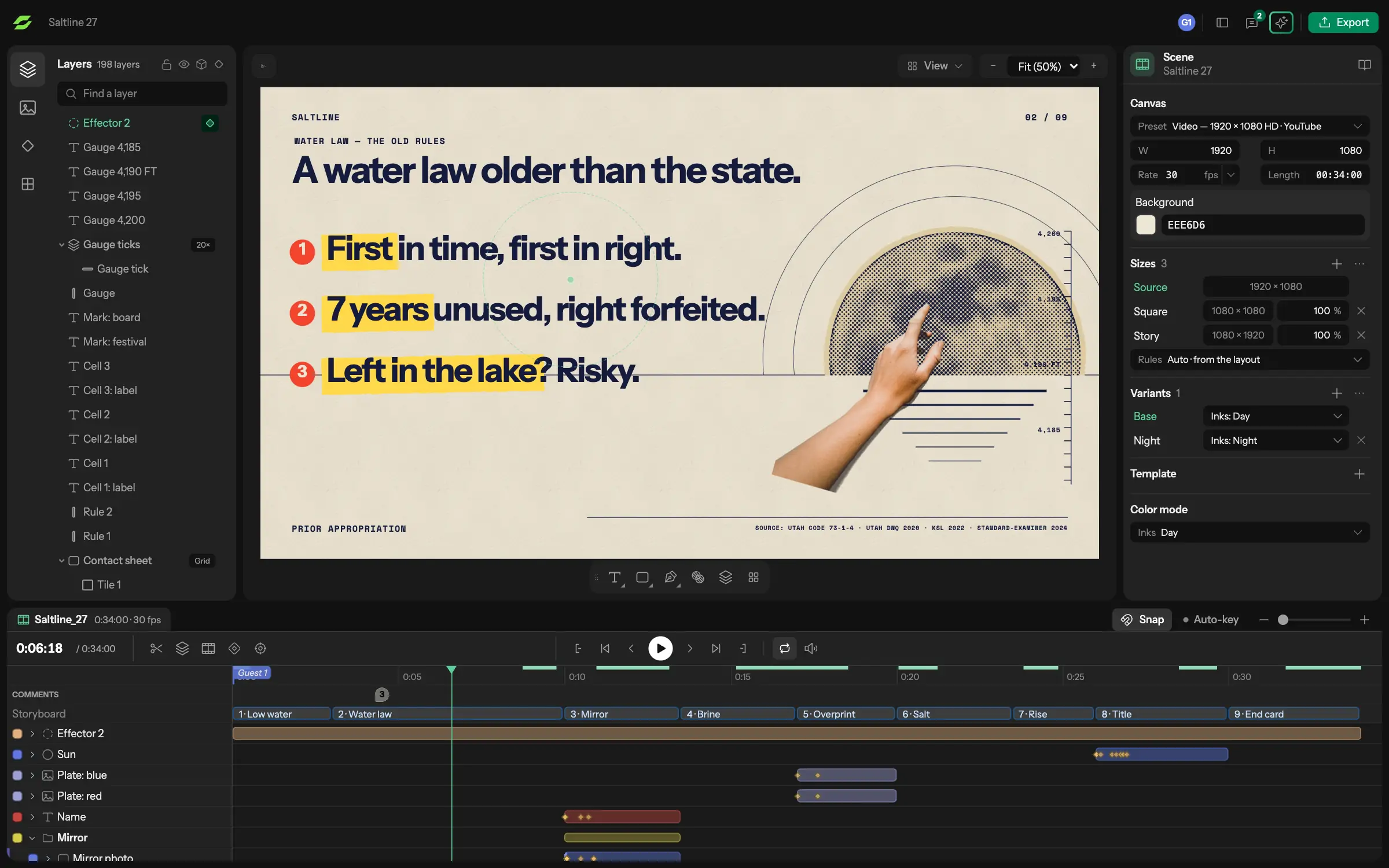
Several people keyframe the same scene at once. A change on a storyboard frame is pushed to the timeline, and a change on the timeline is pulled back into the storyboard.
Animate featuresScale
The prime keeps the timing and each size reframes its layers. Change a key or an ease once and the 16:9, square and vertical versions all follow.
Scale featuresReview
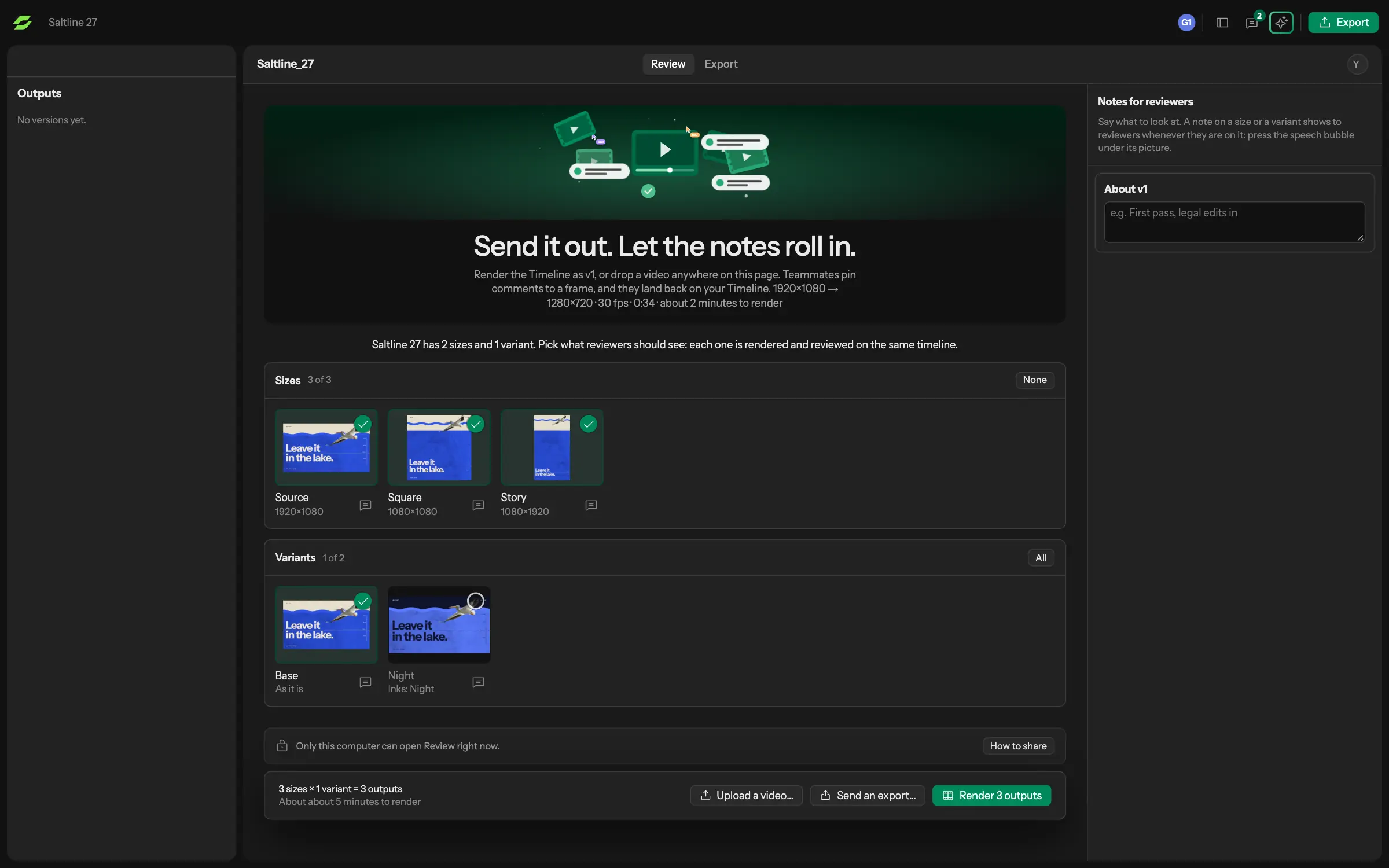
Reviewers comment on the frame and the spot in it, with no file to pass around. Each round is saved as a version with its sign-off status.
Review featuresDeliver
Mark the fields of a finished design and it becomes a template. People fill it in by hand, or an assistant fills it from a spreadsheet, and the export grid renders every version in one run.
Template featuresClaude, Gemini, Cursor, GitHub Copilot or any other assistant that supports MCP.
Adding sizes, building a template from a finished design, filling it from a spreadsheet, applying review comments and rendering the batch.
Whatever it touches stays editable layers and keyframes, and you decide how much of your work that is.
Avocet is complete without an assistant, and we do not train AI models on your work.
Boards, vector tools and components sit next to the timeline.
Several people can keyframe the same scene at the same time.
Reviewers comment on the frame and a spot in it. Each round is saved as a version with its sign-off status.
Every size comes from the prime, and a template makes a version per row of a spreadsheet.
Avocet is a motion design tool for teams. Boards, components and a keyframe timeline live in one project, several people can edit it at once, and every size and version of a piece exports from one timeline. It is for in-house teams, agencies and freelancers. See use cases.
Yes. People in an Avocet project see each other's cursors, playheads and selections, and changes arrive as they are made. Nobody has to pass a project file around or split the work into separate files.
Add the sizes you need, such as 16:9, square, story and ad sizes, to one prime timeline. The prime keeps the timing, each layer follows a reframe rule, and you adjust only the layers that need it. Then export the whole grid in one run.
Yes. A designer marks layers as template fields and shares a fill link. The person on the link can change the text, images and videos that were marked and nothing else, and every entry renders as its own video.
No. Everything in Avocet works without AI. If you connect an assistant over MCP, it speeds up repetitive steps such as adding sizes, building templates, filling them from a spreadsheet, applying review comments and rendering batches. You decide how much of your work it touches. See AI and MCP.
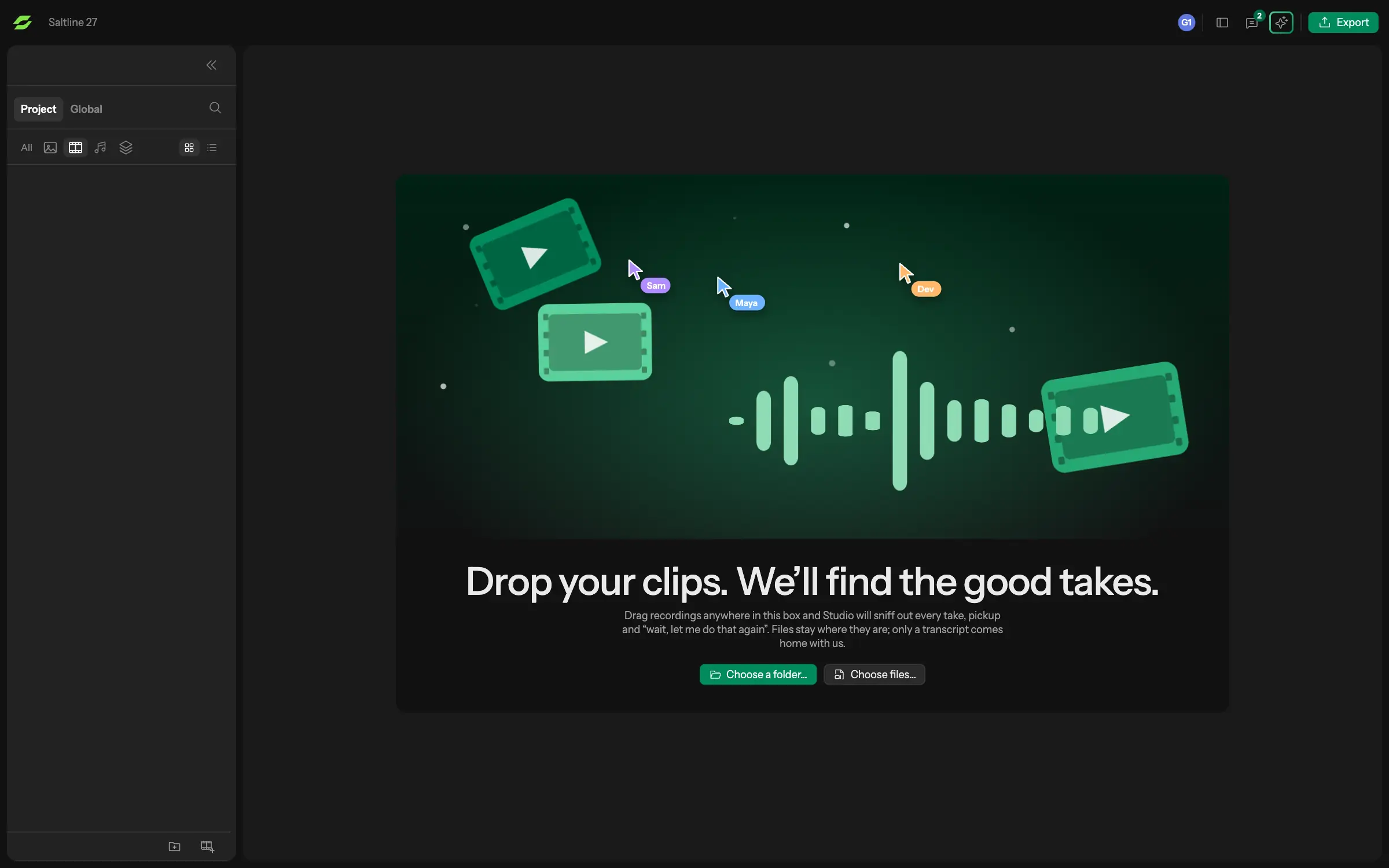
Yes. Avocet imports images (PNG, JPEG, WebP, SVG, GIF), video (MP4, MOV, M4V, WebM) and audio, whatever tool made them, and places them as ordinary layers.
You can bring in images (PNG, JPEG, WebP, SVG, GIF), video (MP4, MOV, M4V, WebM) and audio (MP3, WAV, M4A, AAC, OGG, FLAC). Avocet exports MP4, H.265, WebM, ProRes, GIF, PNG sequences and single frames. It does not export Lottie.
Avocet is for graphic motion: type, shapes, images, footage and procedural systems. It is not a 3D modeling tool.
A Mac. The Avocet beta is a Mac app, and there is no Windows version yet.
Avocet is in an invite-only beta. Ask for an invite, or enter a code if you have one. The beta is free, and the team will give notice before any paid plan starts.
You do. The Avocet terms say you own the projects and media you put into it.
No. We do not train AI models on your projects, footage or designs. If you connect an assistant over MCP, it only works on the project you point it at.
We are opening Avocet to motion designers a few at a time. Tell us who you are and we will send an invite when there is room.